
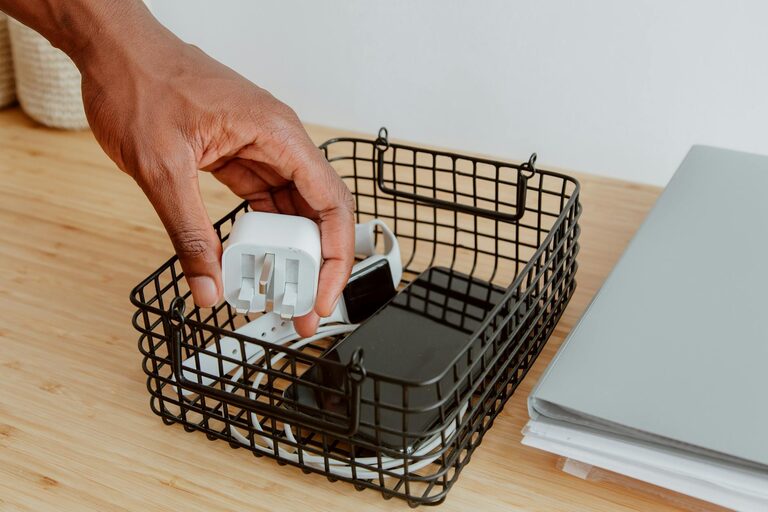
Keeping cables and chargers organized is a common challenge in many homes and workplaces. Whether it’s phone chargers, computer cables, or various adapters, these essential tools often become a tangled mess. Fortunately, with a little planning and some simple techniques, you can keep your cables neat, easy to find, and ready to use whenever you need them.
In this post, we’ll explore practical tips and creative ideas to organize cables and chargers effectively. Let’s dive in!
Why Organize Your Cables and Chargers?
Before jumping into the methods, it helps to understand why organizing these items matters:
– Saves time: No need to untangle cables or search for the right charger.
– Prevents damage: Proper storage avoids bending or breaking cables.
– Reduces clutter: A tidy space feels calmer and more efficient.
– Makes travel easier: Pack cables without the frustration of knots.
With those benefits in mind, here’s how to get started.
Step 1: Gather and Sort Your Cables
Start by collecting all your cables and chargers in one place. Then, sort them into categories such as:
– Phone chargers
– Laptop and tablet cables
– Audio cables (headphones, speakers)
– Power cords for devices
– USB cables
– Other miscellaneous cords
Sorting helps you see what you have and decide which cables need organizing, storage, or even replacement.
Step 2: Declutter and Dispose
As you sort, separate cables and chargers you no longer use or that are broken. Keeping only what you need simplifies your setup and frees up space.
Recycle electronics responsibly through local programs or e-waste collections.
Step 3: Choose a Storage Solution
There are several options for storing cables and chargers neatly. Consider your space, needs, and budget:
Cable Organizers
– Velcro straps or cable ties: Affordable and reusable, these keep cables coiled neatly.
– Cable sleeves or tubes: Bundle multiple cables into a single, tidy sleeve.
– Cable clips and holders: Attach to desks or walls to keep cables accessible and tangle-free.
– Cord winders: Small devices to spool cables neatly.
Storage Containers
– Drawer organizers: Compartments help separate different cables and chargers.
– Storage boxes or bins: Label bins to store similar items together (e.g., “Phone chargers” or “USB cables”).
– Ziplock bags: Store small cables and label each bag to avoid confusion.
Creative DIY Ideas
– Use an ice cube tray or muffin tin for sorting smaller cables.
– Repurpose empty toilet paper rolls to keep cables coiled separately.
– Use a pegboard with hooks for hanging chargers and cords.
Step 4: Label Your Cables and Chargers
Labeling is key for easy identification, especially if cables look similar. You can use:
– Label maker strips
– Masking tape with handwritten notes
– Color-coded tags or stickers
This step saves time and reduces frustration when grabbing the right charger quickly.
Step 5: Implement Cable Management at Your Workspace
For cables you use daily, managing them at the source avoids tangles:
– Route cables along desk edges with adhesive cable clips.
– Use under-desk cable trays or baskets to keep cords off the floor.
– Bundle excess cable length with ties to prevent slack loops.
– Position chargers near power strips or outlets to minimize unplugging hassle.
Keeping cables organized at your desk improves efficiency and keeps your workspace neat.
Step 6: Maintain Your System Regularly
Cable organization is an ongoing process. Schedule regular checks to:
– Remove cables no longer in use.
– Replace damaged cables.
– Reorganize or adjust storage as your needs change.
Consistent maintenance keeps your cable setup clean and functional over time.
Bonus Tips for Traveling with Cables
Traveling with cables and chargers can get messy quickly. Here are ideas to stay organized on the go:
– Use a dedicated tech organizer bag with multiple compartments.
– Wrap each cable separately to prevent knots.
– Label cables even in your travel bag.
– Pack only what you need for the trip to minimize bulk.
Conclusion
Organizing cables and chargers neatly is easier than it seems. By sorting, decluttering, choosing smart storage, labeling, and maintaining your setup, you can reduce clutter and save time daily.
Try a few of these tips and see how your space transforms into a tidy, efficient environment. Happy organizing!